


Install External Packages
Add a Python package when the app needs a library that is not already in its environment.
You can install one in either of these ways:
- Ask the agent to add the package while implementing a feature.
- Add the package to
requirements.txtin Code, then save the file.
Ask the agent
Describe the outcome and name the package when you already know which one to use:
Use the requests package to call this REST endpoint. Add it to the app's
dependencies and handle timeouts and non-success responses.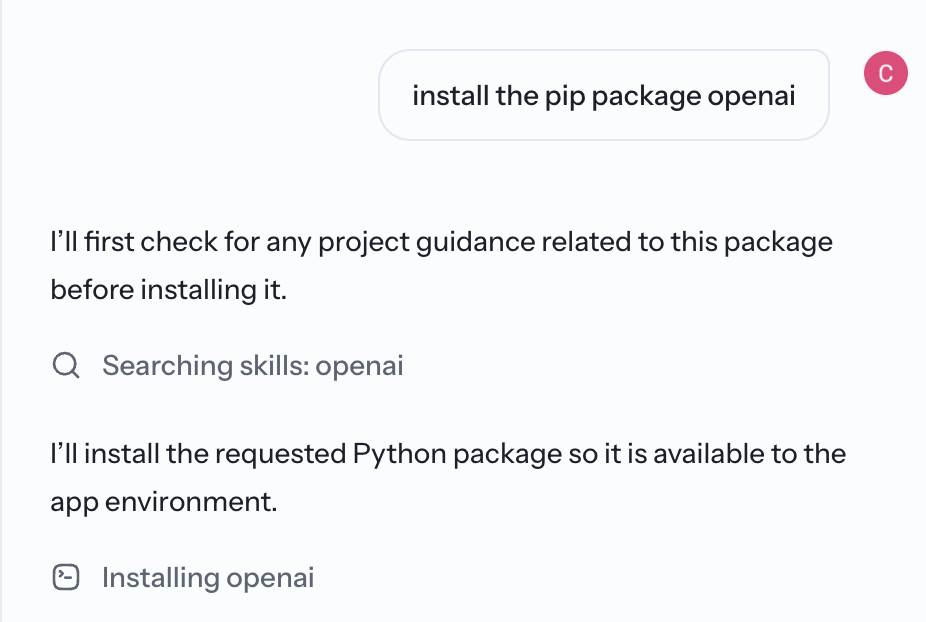
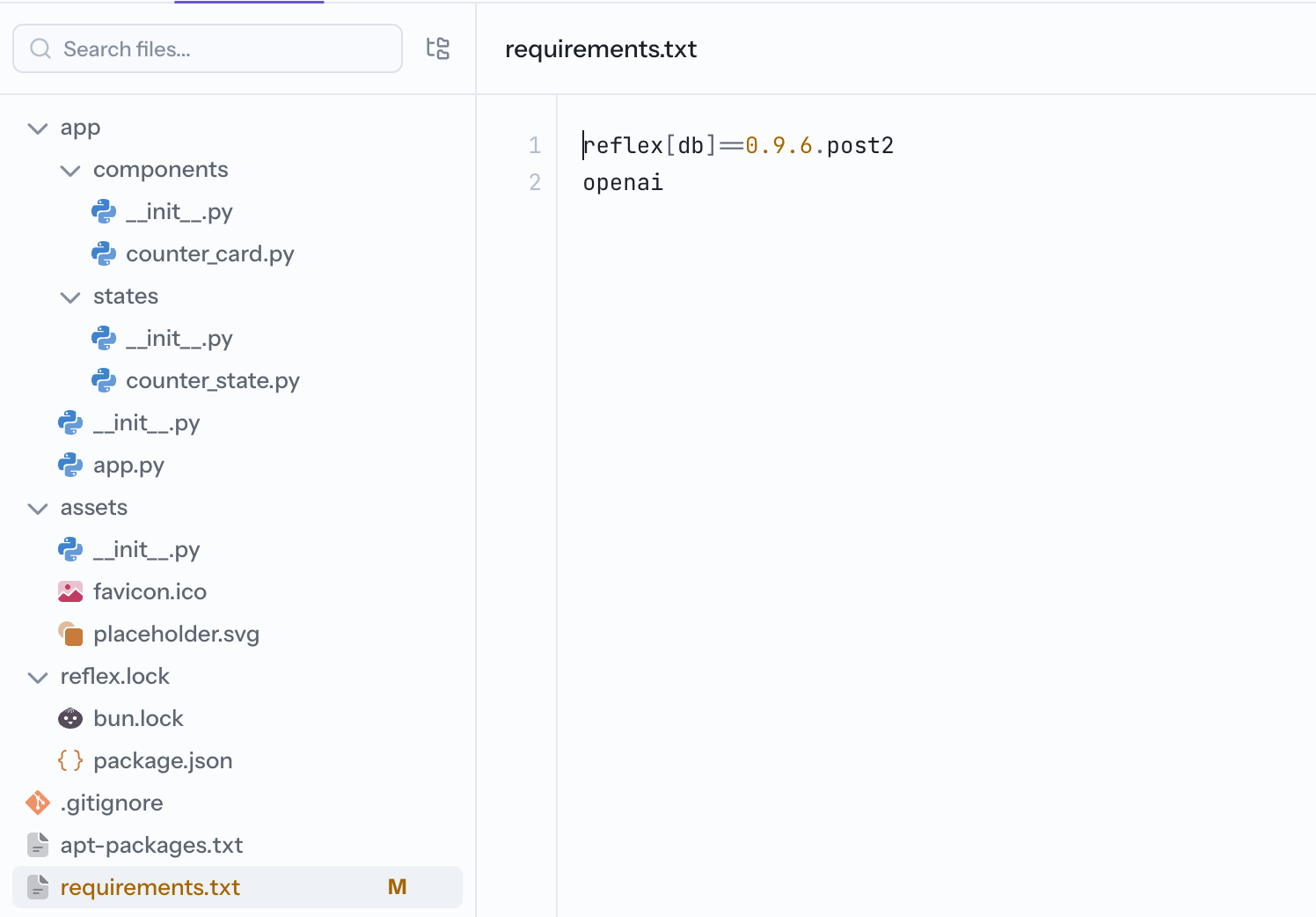
Edit requirements.txt
Open requirements.txt in Code, add the package on its own line, and save. Reflex installs the dependency and recompiles the app.
Pin or constrain dependencies used by a deployed app so future builds remain repeatable. Update those versions deliberately after reviewing compatibility. After installation, check Preview and the build output for import or compatibility errors.
Some packages are too large or require system dependencies that are unavailable in the Builder environment. When that happens, use a hosted API or another supported service instead.
Related
- Python Libraries — give the agent reusable guidance for a specialized package.
- Call an External API — connect to a hosted service instead of installing a package.