


Deploy App
Deploying publishes the current app to Reflex Cloud or to a connected cloud provider.
Deploy from the Builder
- Open the app and wait for the current generation to finish.
- Select Deploy in the upper-right corner.
- Review the workspace resource check and deployment configuration.
- Confirm the deployment.
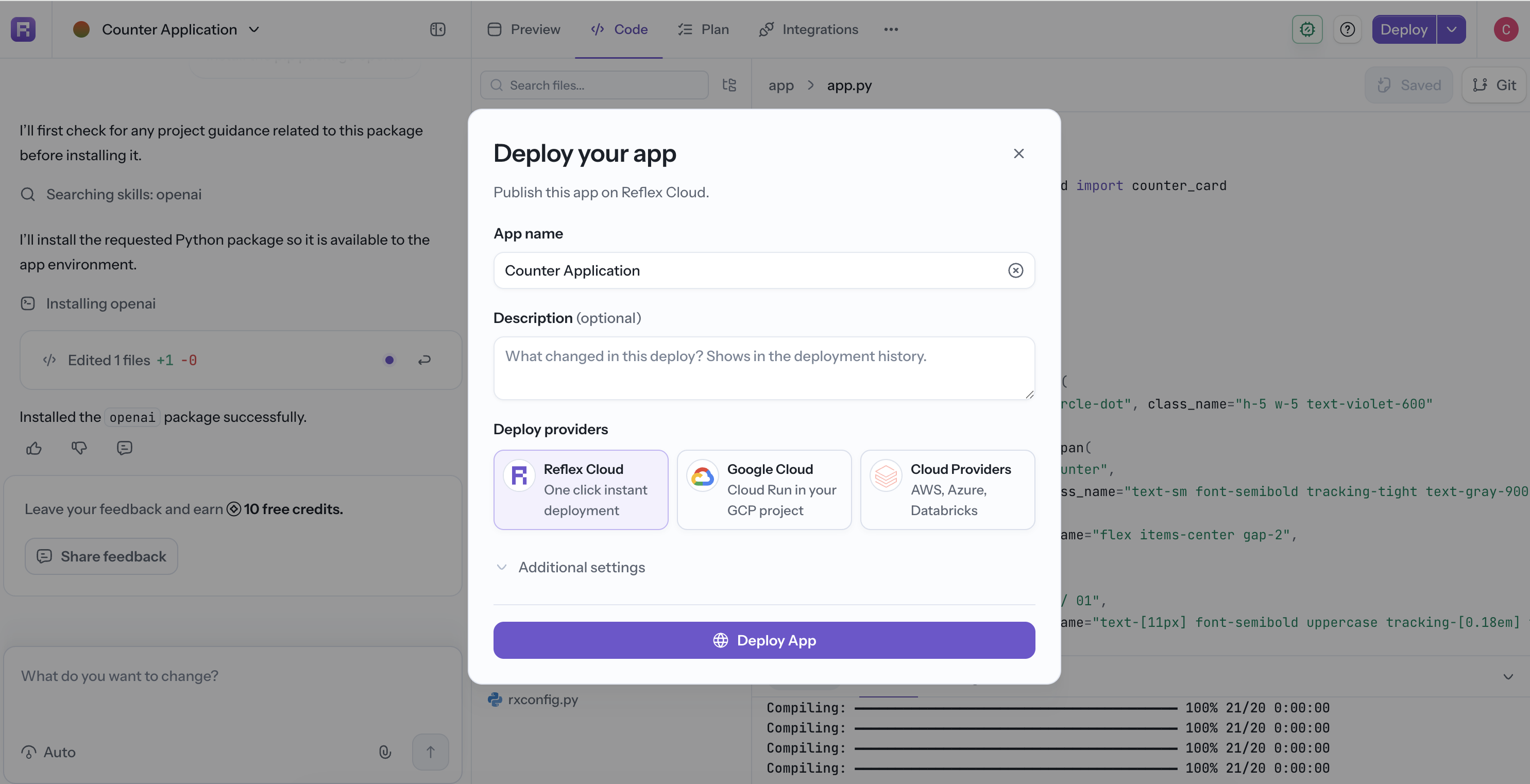
If the app needs more memory than the active workspace provides, the dialog recommends a larger workspace before deployment. Upgrading the workspace can prevent build failures; deploy anyway only when you understand the resource requirement.
Depending on your plan and organization configuration, the deployment flow can include:
- App name and generated hostname.
- Hosting provider.
- Region and machine size.
- App secrets and environment variables.
- A deployment approval request.
Project Approvals
When Require approval to deploy is enabled for the project, the deployment waits in the Approvals queue. It runs automatically after a member with Approve deployments permission approves it. See Project Approvals.
After Deployment
Open Deployments in the project sidebar to view status, resource allocation, logs, history, domains, and settings. See the Reflex Cloud quick start for the current dashboard and CLI workflows.