


Images and Attachments
Attach screenshots, documents, or sample data when the agent needs visual or file-based context. You can select the attachment control, drag a file into chat, or paste an image from the clipboard.
Use an Image as a Reference
An image is often the clearest way to communicate a layout, visual hierarchy, or specific UI issue:
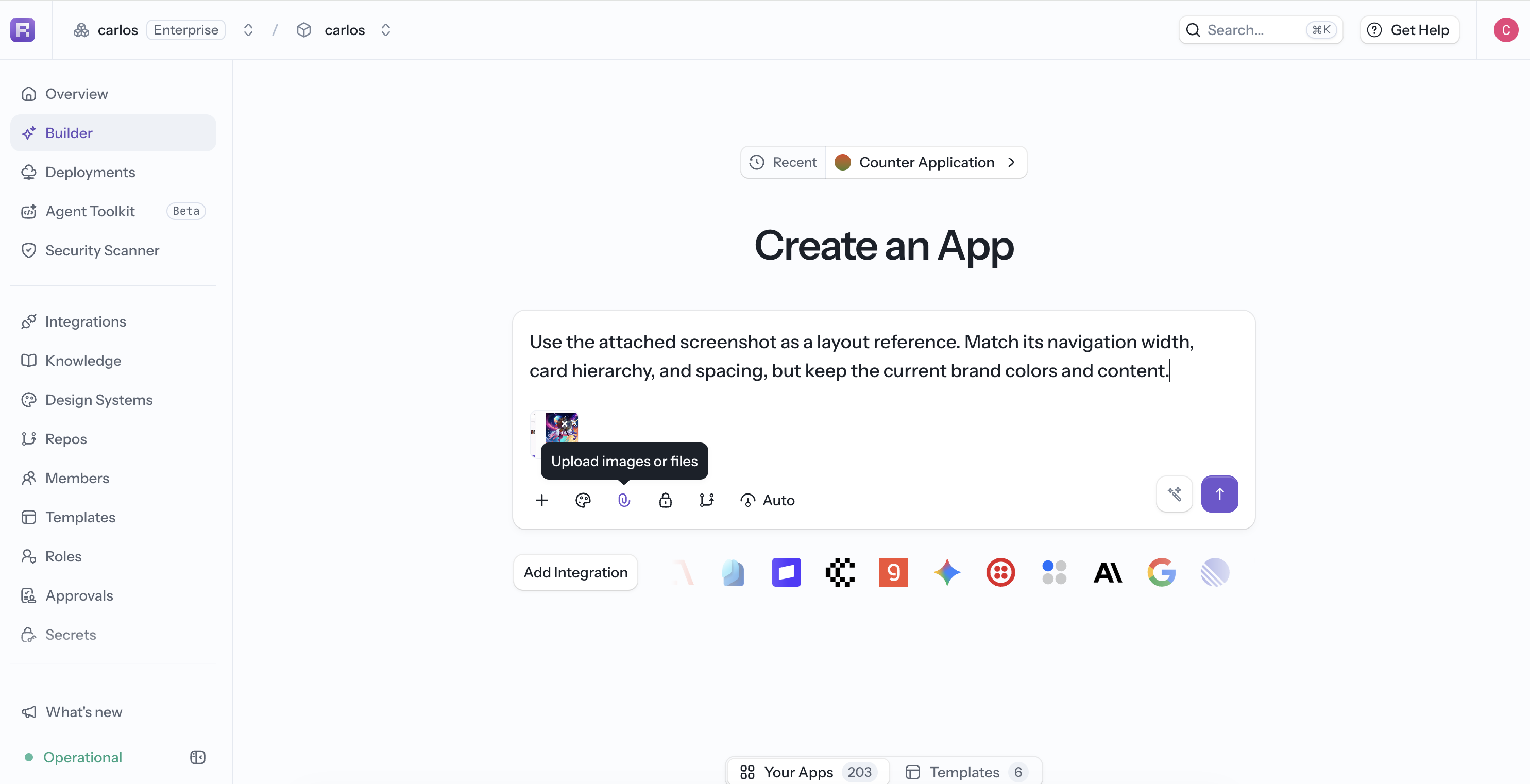
Explain what the agent should copy and what it should ignore:
Use the attached screenshot as a layout reference. Match its navigation width,
card hierarchy, and spacing, but keep the current brand colors and content.
For a screenshot of an existing app, include the relevant route or page name. Tightly crop references when only one component matters.
Attach Files
Attach no more data than the task requires; smaller, focused files are faster for the agent to interpret. Use the format-specific pages for current upload limits:
Generate a New Image
If the app needs an original visual rather than a reference, ask the agent to generate one. Generated images appear alongside the conversation and app changes. See Agent Tools.