


Agent Toolkit
The Agent Toolkit brings together the current Reflex documentation, the hosted Reflex MCP server, and Reflex Agent Skills so local coding assistants can work with the same guidance as Reflex Build.
Agent Toolkit configures assistants that run outside Reflex Build. For web search, Python execution, and image generation used by the Builder agent inside an app, see Agent Tools.
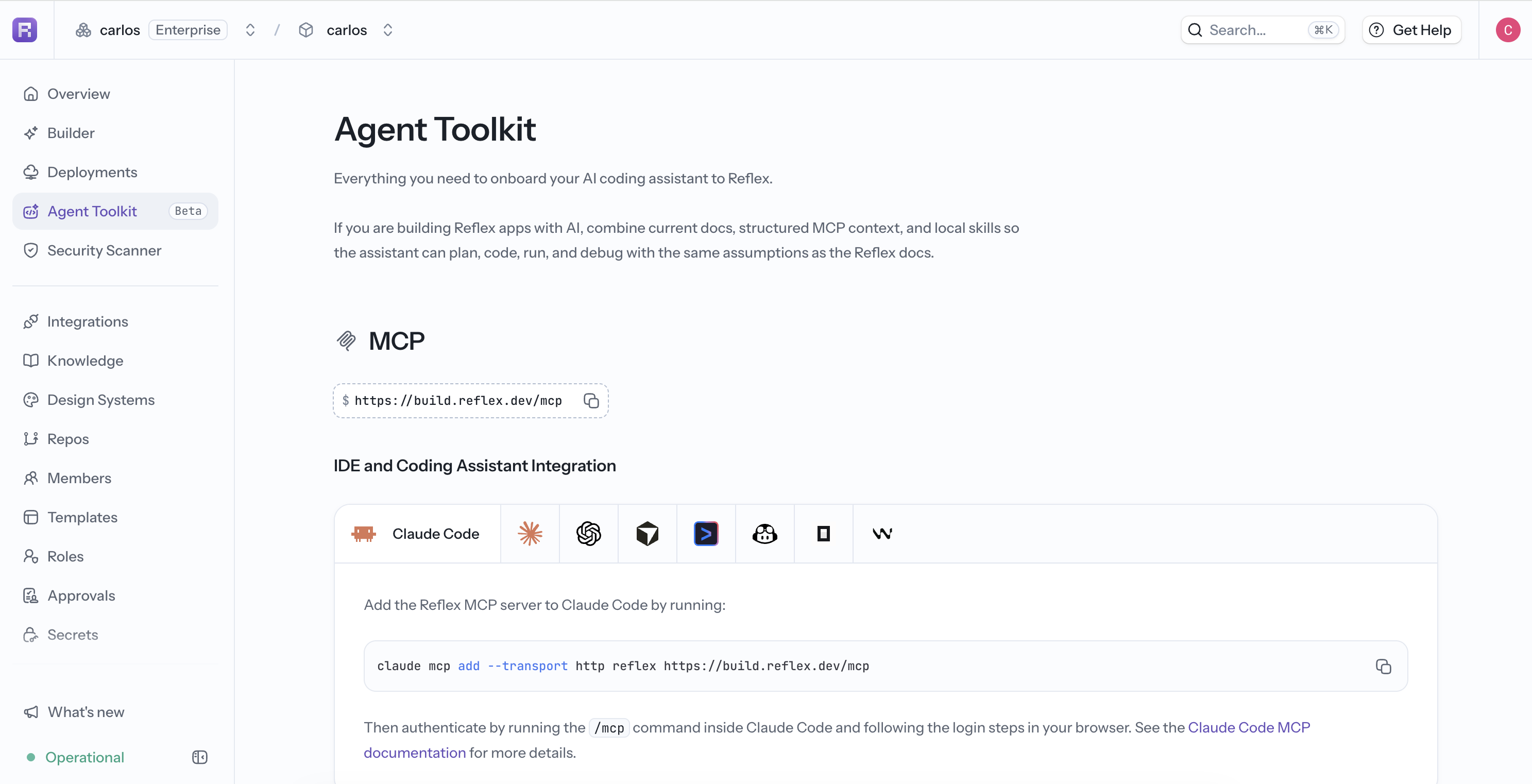
Open Agent Toolkit in the project sidebar to find setup instructions for supported coding assistants.
MCP
Connect an MCP-compatible assistant to:
https://build.reflex.dev/mcpThe page provides client-specific instructions for Claude Code, Claude Desktop, Codex, Cursor, Gemini CLI, GitHub Copilot, OpenCode, and Windsurf. Authentication opens in your browser when the client first connects.
See MCP installation for the commands and configuration for each client.
Reflex Agent Skills
Skills add reusable Reflex-specific workflows to a local coding assistant. The Agent Toolkit shows the recommended installation method for supported tools and a manual AGENTS.md option.
Use MCP for current structured documentation and component context. Use Skills for repeatable setup, development, validation, and debugging behavior. They can be used together.
For the complete onboarding workflow, see the Agent Toolkit guide.