


Knowledge
Knowledge gives the agent reusable context that should guide more than one prompt. Reflex Build separates project-wide knowledge from instructions that apply only to the current app.
Project Knowledge
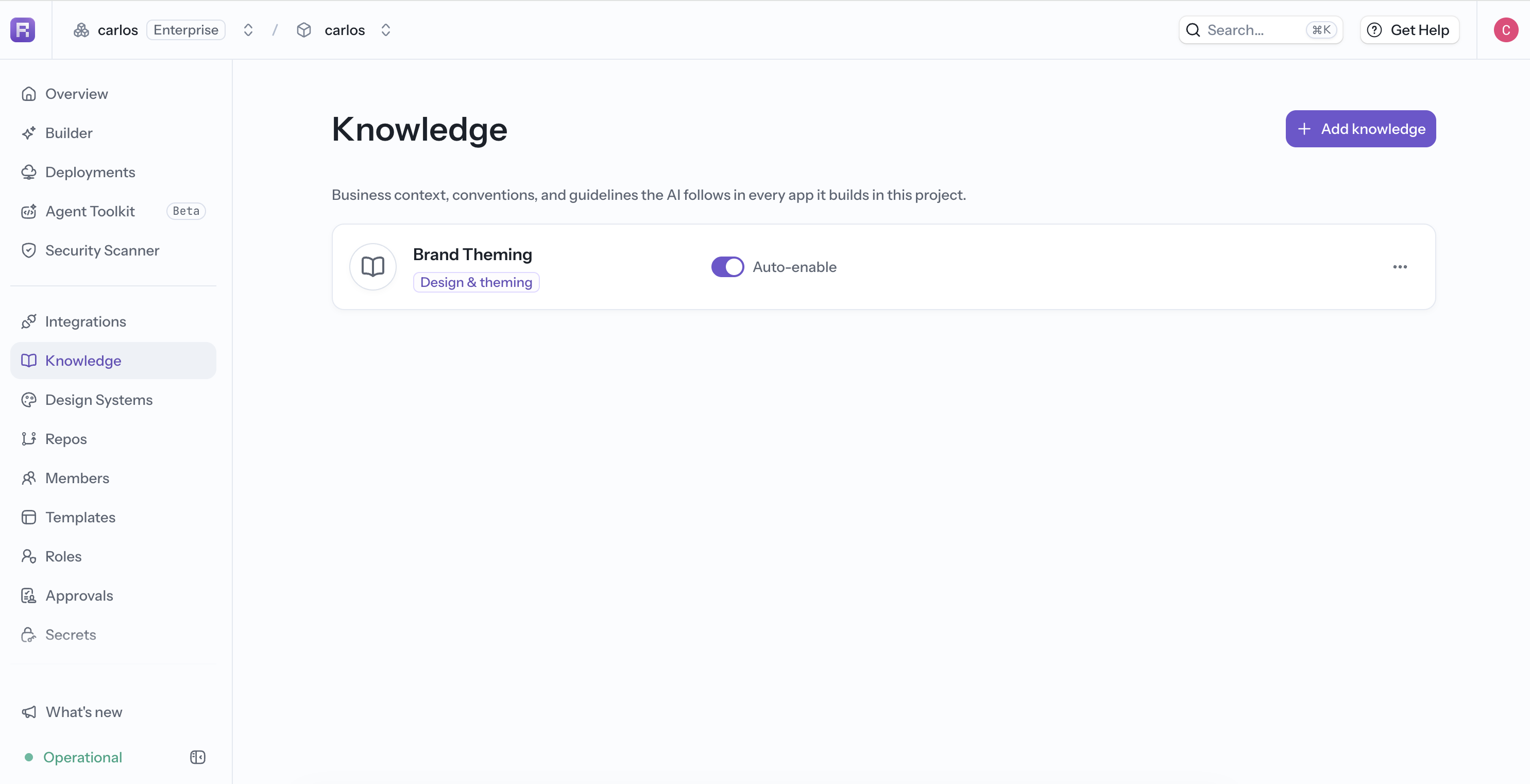
Use project knowledge for guidance shared by apps in the same project, such as:
- Product terminology and audience.
- Organization-wide architecture or security rules.
- Shared data concepts and naming conventions.
- Links or references that every app team should use.
You can manage project knowledge from Knowledge in the project sidebar or follow the project-knowledge link in the app's Knowledge panel.
App Instructions
Open the app's more menu and select Knowledge. Add instructions that should apply only to the current app, such as:
Use "workspace" instead of "tenant" in user-facing copy.
Keep state transformations in State methods rather than UI components.
Every data table must include loading, empty, and error states.
App instructions save when you select another control. Keep them short, specific, and current; contradictory or obsolete instructions make generation less predictable.
Design Systems
Use a design system for reusable visual guidance such as color tokens, typography, spacing, and component patterns. Keep behavior and architecture rules in Knowledge so each source of context has a clear purpose.