How to Build a Dashboard With Slack in 2026
Learn how to build a Slack dashboard in Python with Reflex in April 2026. Track messages, response times, and team activity with real-time updates.
 Tom Gotsman
TLDR:
- You can build Slack dashboards in pure Python with Reflex, tracking message volume, response times, and team activity without splitting your codebase across frontend and backend.
- Reflex's WebSocket-based state sync updates your dashboard in real-time as Slack events arrive, with no polling or client-side fetch loops required.
- Project-level integration configuration lets you set Slack credentials once and share them across multiple dashboards automatically.
- Deployment takes one command and includes HTTPS endpoints that meet Slack's 3-second response requirement out of the box.
- Reflex is a full-stack Python framework that outputs readable, maintainable code and supports on-premises deployment for enterprise compliance.
Slack generates a surprising amount of useful data. Every message, reaction, channel join, file upload, and thread reply is a signal. Pull those signals into a dashboard and you suddenly have visibility into how your team actually works, beyond what you assume.
With Reflex and Slack's APIs, here's what a useful dashboard looks like in practice:
- Workspace activity monitoring: track messages per day, active users, and peak usage hours to understand team rhythms over time.
- Channel analytics: measure response times, thread engagement rates, and message volume trends to see where conversations actually happen.
- Team collaboration metrics: surface cross-channel participation, reaction patterns, and user activity heatmaps to spot collaboration gaps.
- Notification workflows: route alerts when specific keywords appear or trigger automated responses to workspace events.
What makes Slack well-suited for this is its dual API model. The Events API pushes real-time workspace events to your app via HTTP callbacks, so your dashboard reacts to what's happening now. Incoming webhooks handle the other direction, letting your app post messages, alerts, or summaries back into Slack channels.
"The Events API delivers real-time workspace events to endpoints via HTTP callbacks, while incoming webhooks push messages into channels on demand." - Hookdeck guide to Slack webhooks
That bidirectional flow matters. Your dashboard can display team activity and trigger actions based on what it sees, all from a single Python codebase.
Python developers building Slack dashboards face a familiar problem: the moment you add a frontend, you're splitting your codebase. React handles the UI, Python handles the logic, and you spend time maintaining the layer between them. Reflex collapses that split. Your Slack event handlers, channel data processing, and message posting logic all live in one Python file.
The Slack Python SDK, available via PyPI, requires Python 3.7 and above. Because Reflex runs on Python 3.10+, the two fit naturally. You call the SDK directly inside Reflex event handlers, and the framework pushes state updates to the browser over WebSockets automatically. No polling, no client-side fetch loops. When a Slack event arrives, your handler updates state and the UI reflects it.
That real-time behavior matters for dashboards in particular. If you're tracking message volume or watching for keyword alerts, you want the dashboard to update as events happen. Reflex's background tasks handle long-running Slack API calls without blocking the UI, so a slow paginated fetch doesn't freeze your activity feed while it runs.
On the component side, Reflex's 60+ built-in components cover what most Slack dashboards actually need: data tables for user activity, line charts for message trends, and list views for channel feeds. Teams compose these directly in Python instead of pulling in a separate charting library or maintaining a standalone frontend codebase.
Getting Slack connected to a Reflex app starts with the slack_sdk package, which is available on PyPI and installs cleanly into any Python environment. Since Reflex already runs on Python 3.10+, there's no version juggling required.
Reflex's project-level integration configuration is where the real time savings come in. Instead of wiring bot tokens and OAuth credentials into each individual app, you configure them once at the project level. Every dashboard in that project inherits those credentials automatically. If you're running multiple Slack dashboards across teams or workspaces, you skip repeated OAuth flows entirely.
What you'll need from the Slack side:
- A bot token (xoxb-...) with the appropriate OAuth scopes for your specific use case, such as reading channel history or posting messages
- An Events API endpoint URL pointing to your Reflex app's API route so Slack knows where to send event payloads
- A signing secret to verify that incoming requests actually originate from Slack and not an outside source
Once credentials are in place, the Slack Web API client lives directly inside your Reflex event handlers. An incoming Slack event hits your API route, the handler processes the payload, updates your app state, and the UI reflects the change over WebSockets thanks to Reflex's architecture. No middleware service sitting between Slack and your app.
Posting messages back into Slack follows the same pattern. Your handler calls the Web API client, passes the channel ID and message content, and Slack delivers it. Because background tasks in Reflex run asynchronously, heavy API calls like paginated channel history fetches run without blocking your dashboard UI.
Once your integration is working locally, deploying is a single command that handles infrastructure provisioning, so your Slack endpoints go live without manual server configuration.
Slack's API returns structured JSON for every event type, which maps cleanly to a component-based UI. The real decision is matching each data shape to the right component so updates stay automatic and state stays consistent.
Computed vars do the heavy lifting here. When a new Slack event arrives and updates your app state, computed vars automatically recalculate values like message counts per channel or active user totals, with no manual refresh logic required. This is where WebSocket-based state sync pays off: your channel feed, stat cards, and data tables all react to the same state object, so one incoming event can update multiple components at once.
| Component Type | Slack Data Use Case | Reflex Component | Update Pattern |
|---|---|---|---|
| Message feed | Real-time channel activity | rx.data_table | WebSocket push |
| User metrics | Active members by channel | rx.stat | Computed var |
| Event log | Audit trail for workspace | rx.table | Event handler |
| Channel list | Workspace channel directory | rx.select | API call |
For message feeds, ``rx.data_table handles paginated Slack history well since it accepts a list of Python dicts directly. User metrics fit rx.stat, which displays a labeled number cleanly, useful for showing daily active members or messages sent this week. Audit logs belong in rx.table where you control row display precisely. All of these pull from the same Python state class, so there is no data synchronization work needed between components.
Deploying with Reflex packages your entire Slack integration as one unit. Event handlers, bot token logic, API call routing, and the frontend all ship together with no separate frontend pipeline to configure or backend service to wire up independently.
Reflex Cloud handles HTTPS termination automatically, so your Slack Events API callback URL is production-ready the moment deployment completes. Slack's Events API requires a 3-second response window, HMAC signature verification, and idempotent retry handling. Reflex's API routes handle the response timing, and background tasks keep webhook acknowledgment fast even when your processing logic is heavy.
For self-hosted deployments, Reflex runs inside your own network boundary so Slack webhook handlers and data transformations never leave your infrastructure.
Managing credentials across environments is straightforward using Reflex's config system alongside GitHub Actions or GitLab CI. Store your bot token and signing secret as environment variables in your CI pipeline, and each deployment pulls the correct credentials per environment automatically.
VPC deployment options keep Slack event data within controlled network boundaries, which matters when webhook payloads touch sensitive internal data. Combined with RBAC across the dashboard itself, that gives enterprise teams access control at the application layer and network-level isolation underneath.
Yes. Reflex handles both frontend and backend in pure Python, so you build the entire Slack integration (event handlers, message posting, and UI components) without writing any JavaScript. The framework manages WebSocket connections and state sync automatically.
Install the slack_sdk package from PyPI, configure your bot token and signing secret at the project level in Reflex, then call Slack's Web API directly inside your event handlers. Reflex's WebSocket-based state sync pushes updates to the browser automatically when Slack events arrive.
Reflex's API routes acknowledge Slack webhooks fast enough to meet the 3-second window, while background tasks process heavy logic asynchronously. This pattern keeps your webhook handler responsive even when you're fetching paginated channel history or updating multiple components.
Streamlit's script rerun model breaks under real-time Slack events: every incoming message triggers a full script re-execution, causing memory leaks and slowdowns. Reflex uses event-based state updates, so Slack events update only the affected components without re-running your entire app.
Message volume per channel, active user counts, response time trends, and keyword alerts all map cleanly to Reflex components. The Events API pushes workspace activity to your app in real-time, and computed vars automatically recalculate metrics like daily active members when new events arrive.
More Posts
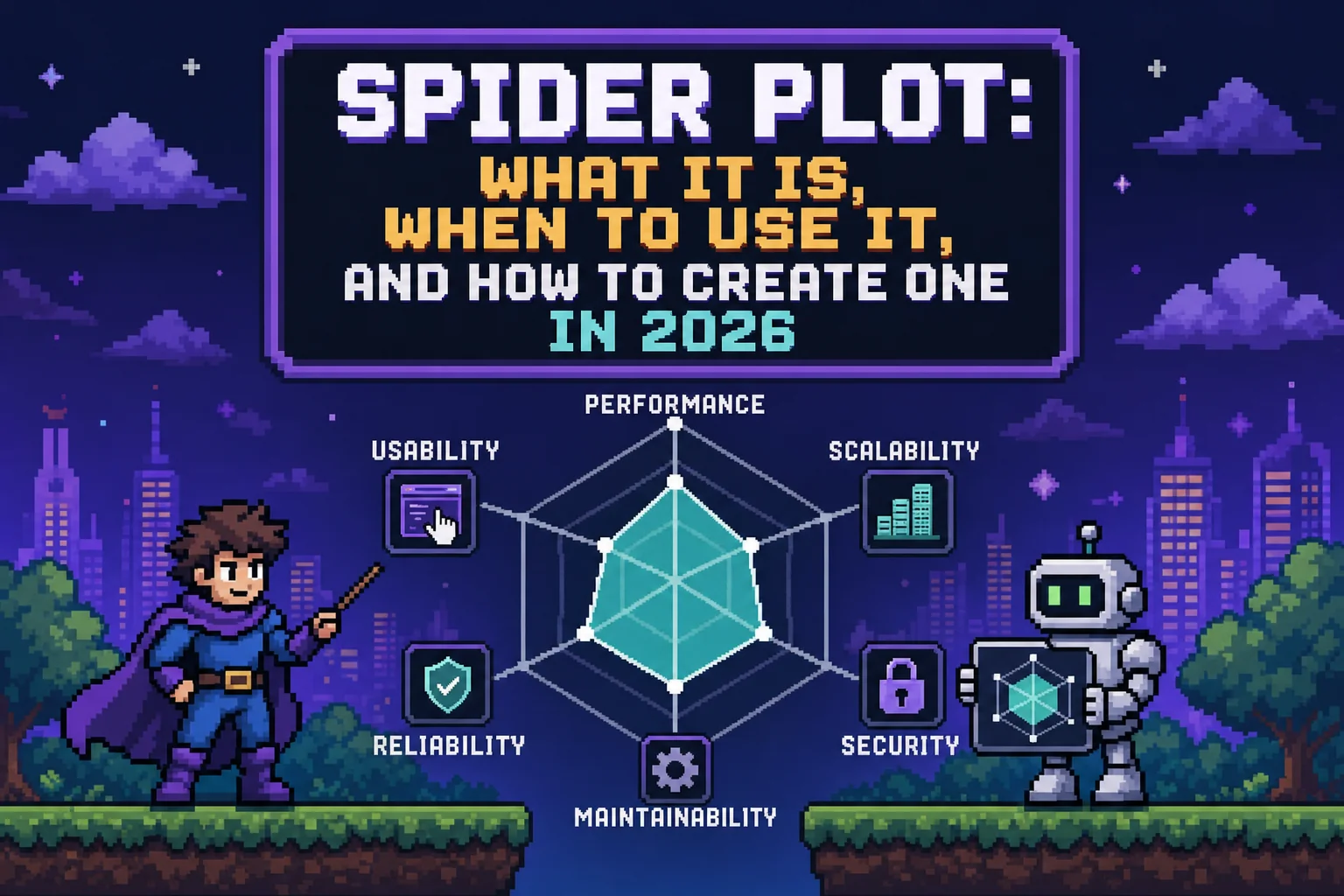
Learn what a spider plot is, when to use it, and how to create one in Python, Excel, R, and MATLAB. Complete guide with best practices for May 2026.
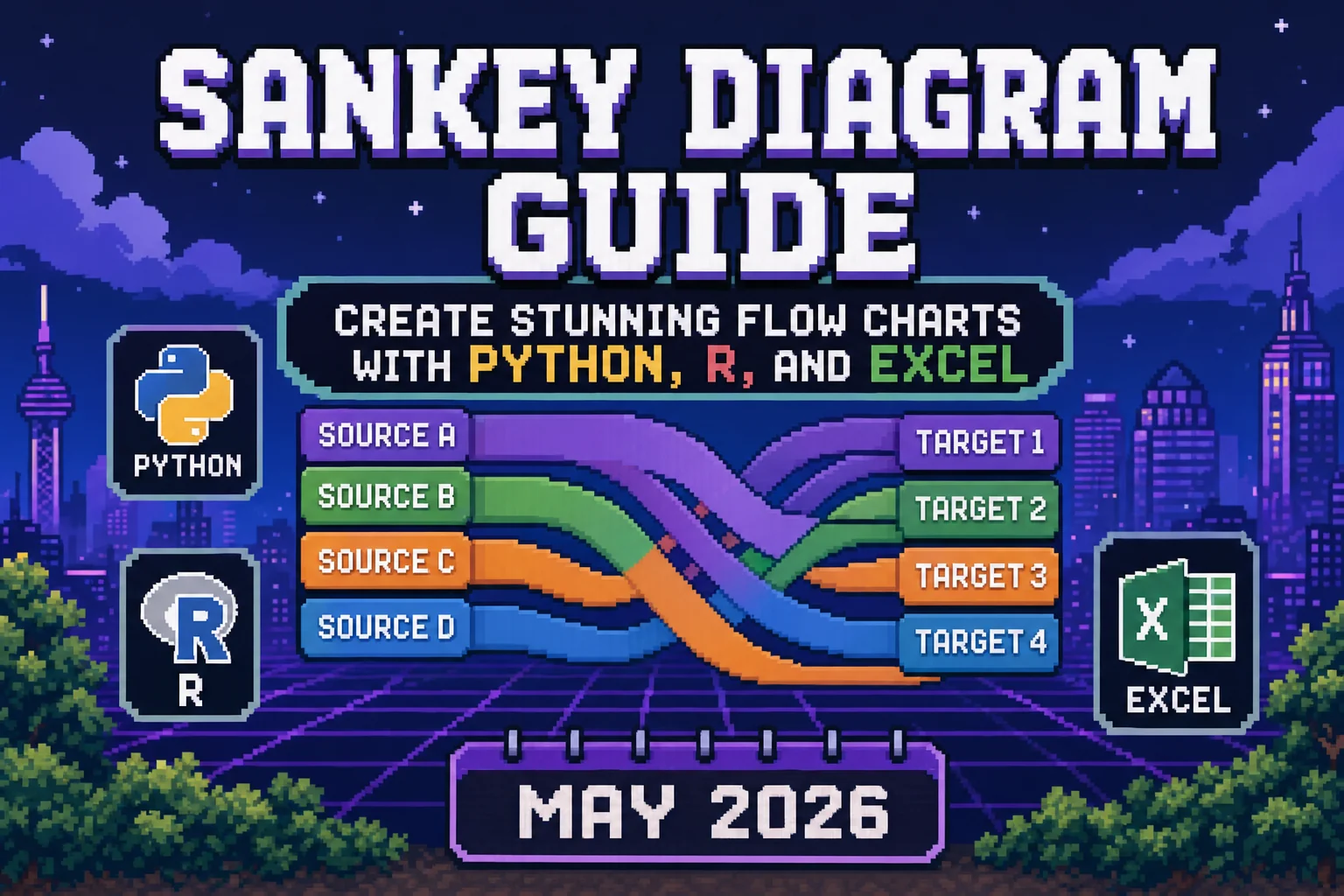
Make sankey diagram flows with Python, R, Excel. Sankey plot, sankey chart, and sankey graph examples with Plotly, networkD3. Complete guide for May 2026.

A step-by-step migration guide for upgrading your Reflex app to v0.9.0, covering the new optional database extra, single-port production builds, the auto-setter change, and removed APIs.