


App Management
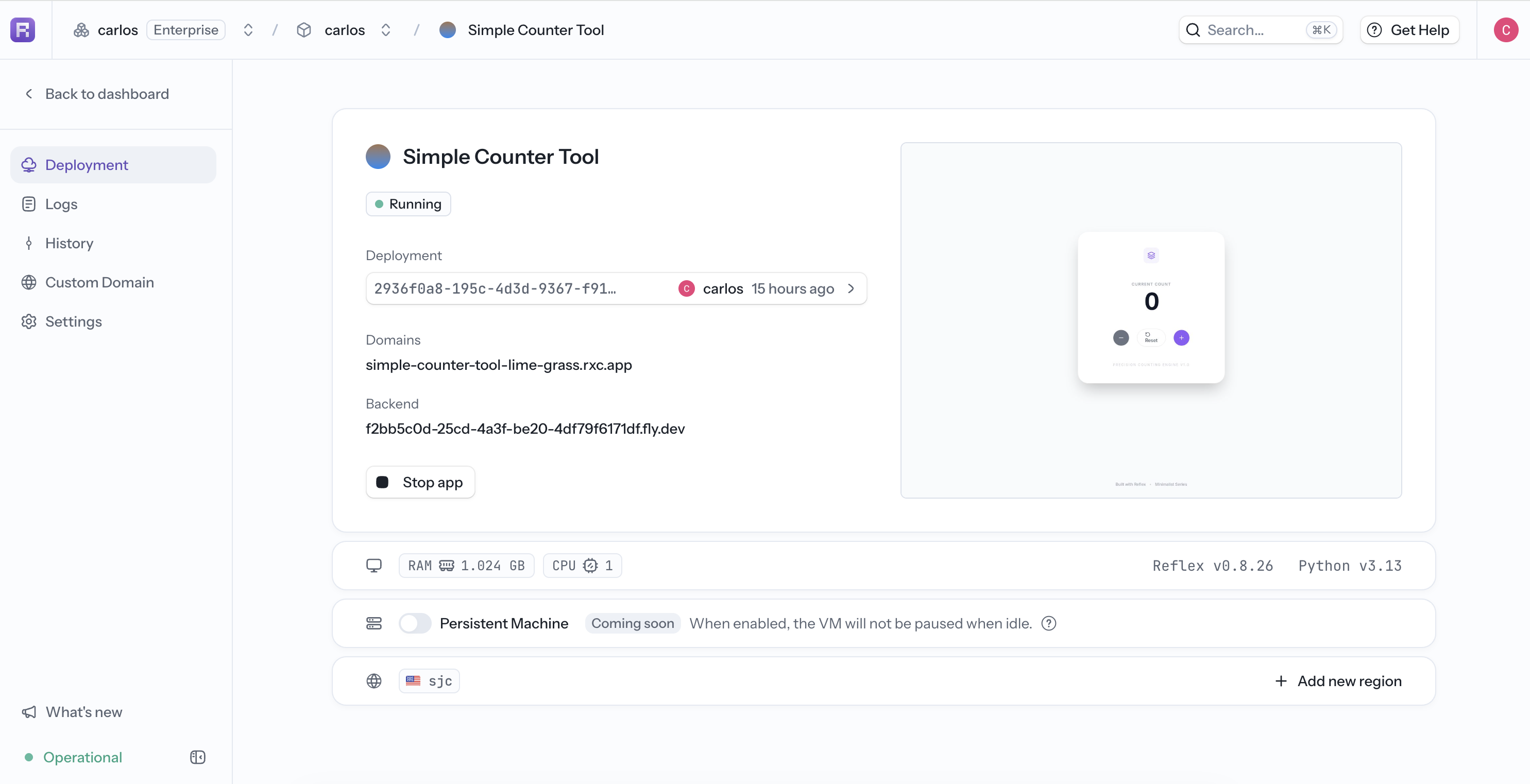
Open Deployments and select an app to manage it. Each hosted app has Deployment, Logs, History, Custom Domain, and Settings pages.
Deployment
The Deployment page shows the live URL, status, current deployment, domains, backend URL, app preview, RAM, CPU, Reflex and Python versions, and regions.
Use Stop app to stop the running deployment. The app becomes unavailable until it is deployed or started again.
For a stopped app, select Start app to restart its latest deployment.
Logs
Use Logs to search runtime output and filter by order, timezone, time range, and region. See Logs for the UI and CLI workflows.
History and Rollback
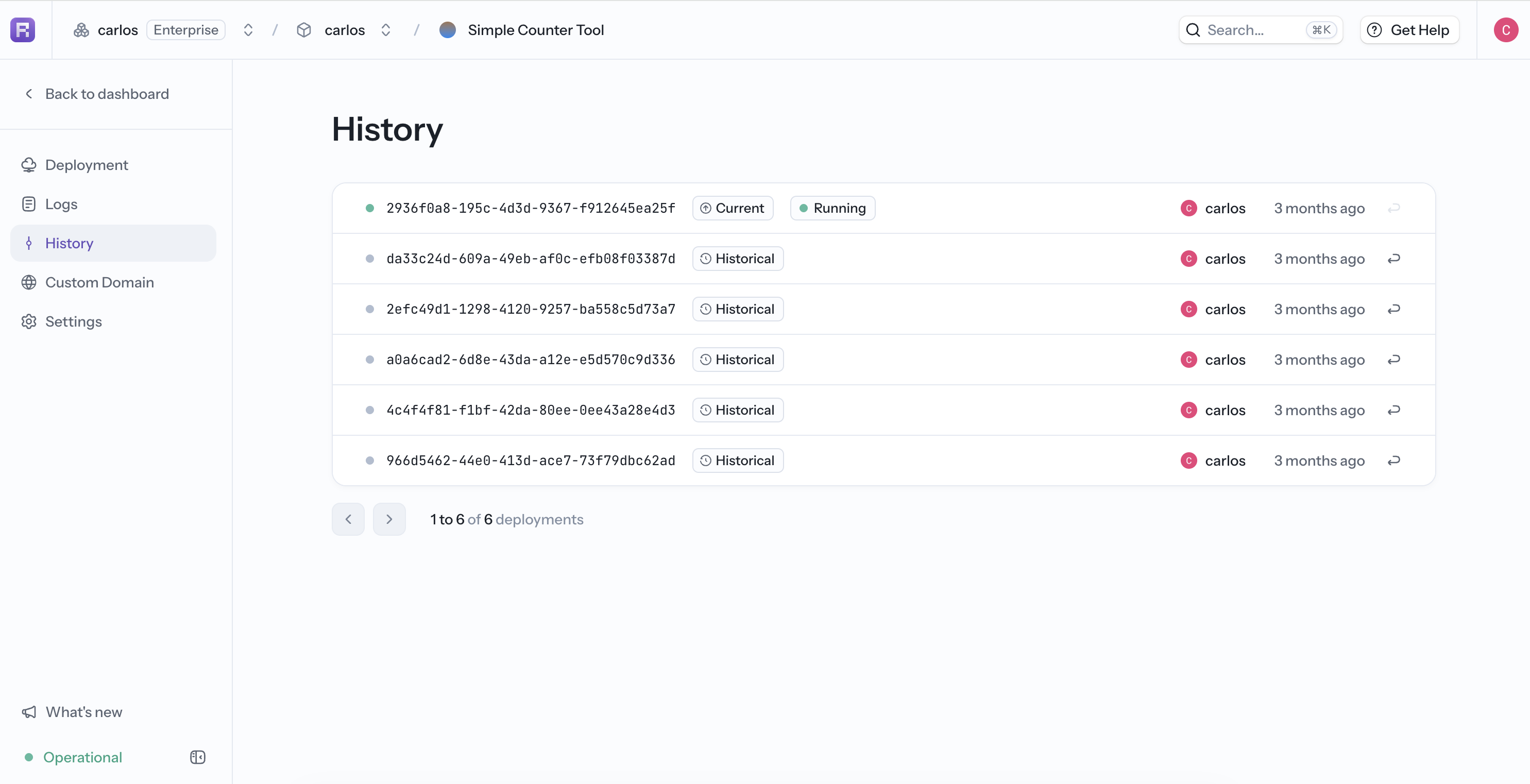
Every deployment appears under History with its deployment ID, state, actor, and timestamp. Current identifies the live deployment; older entries are Historical.
Select a deployment ID to open its detail page. It shows the deployment note, domains, backend URL, Reflex and Python versions, deployment statistics, and build logs.
Roll back to a previous deployment
A rollback redeploys a previous deployment's stored image and makes it current without rebuilding from source:
- Open History.
- Find a historical deployment with an enabled Rollback deployment action.
- Review the Current and Rollback target deployment IDs in the confirmation dialog.
- Select Rollback. The app briefly restarts while Reflex switches versions.
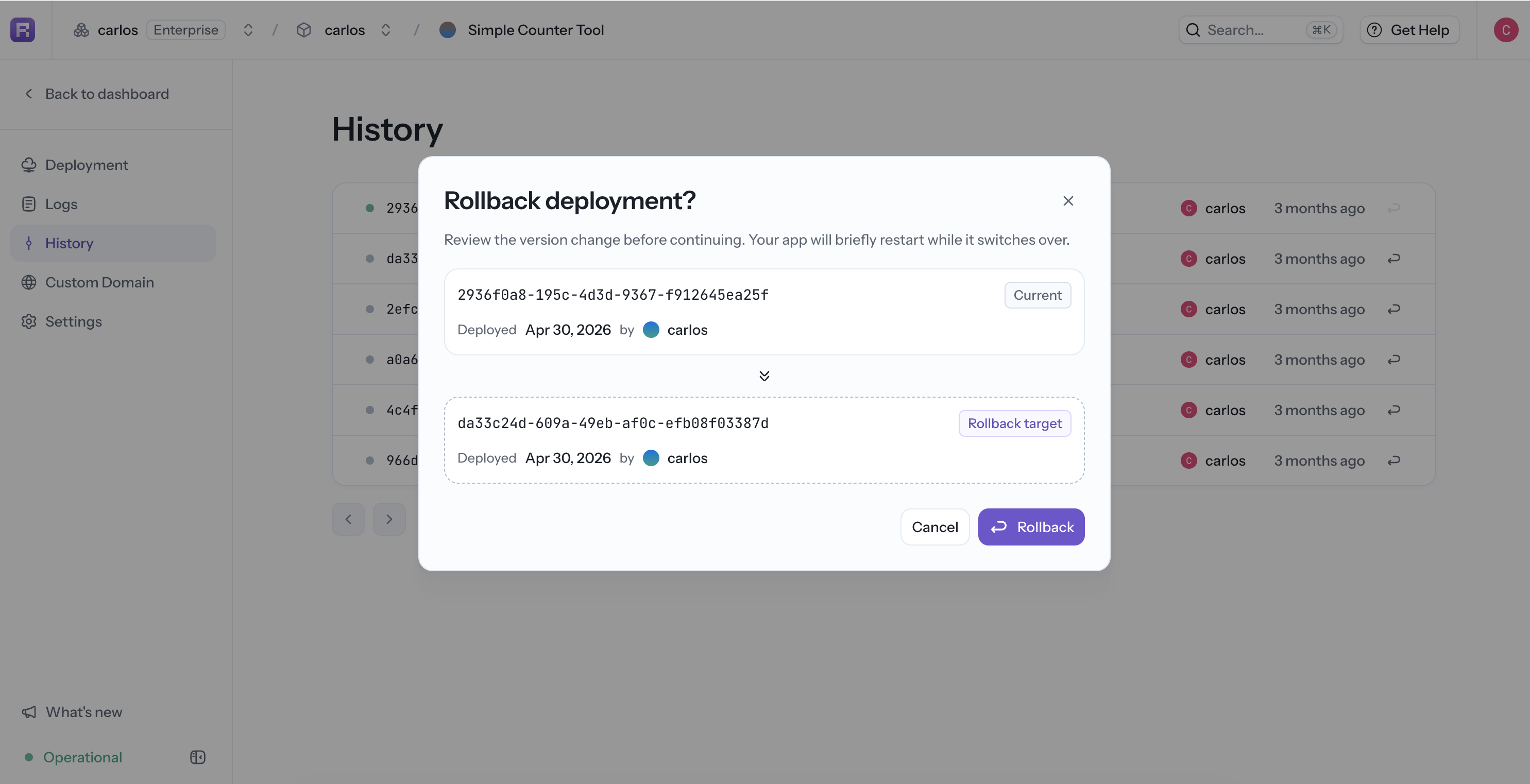
Rollback requires permission to deploy. It is available only when Reflex still has a compatible image for the current hosting provider and hosting mode. Wait for any active deployment to finish first.
Use the same workflow from a historical deployment's detail page.
CLI equivalents:
reflex cloud apps history <APP_ID>
reflex cloud apps rollback <DEPLOYMENT_ID> --app-id <APP_ID>
reflex cloud apps build-logs <DEPLOYMENT_ID>
Add deployment notes
Add a note at deploy time to make History easier to scan:
reflex deploy --description "Update checkout validation"On a deployment detail page, select Edit next to Notes to update it. From the CLI, run:
reflex cloud apps describe <DEPLOYMENT_ID> \
    --app-id <APP_ID> \
    --description "Update checkout validation"
Pass an empty description to clear the note.
Custom Domain
Use Custom Domain to add a domain, copy the required DNS records, and check verification. See Custom Domains.
Settings
Settings contains five pages:
- General: app name, description, hosting provider, and app ID.
- Scale: current CPU, memory, and VM type. See Machine Types.
- Regions: current deployment regions and the option to add another region. See Regions.
- Secrets: app environment variables and Sensitive mode. See Secrets and Environment Variables.
- Danger: permanent app deletion.
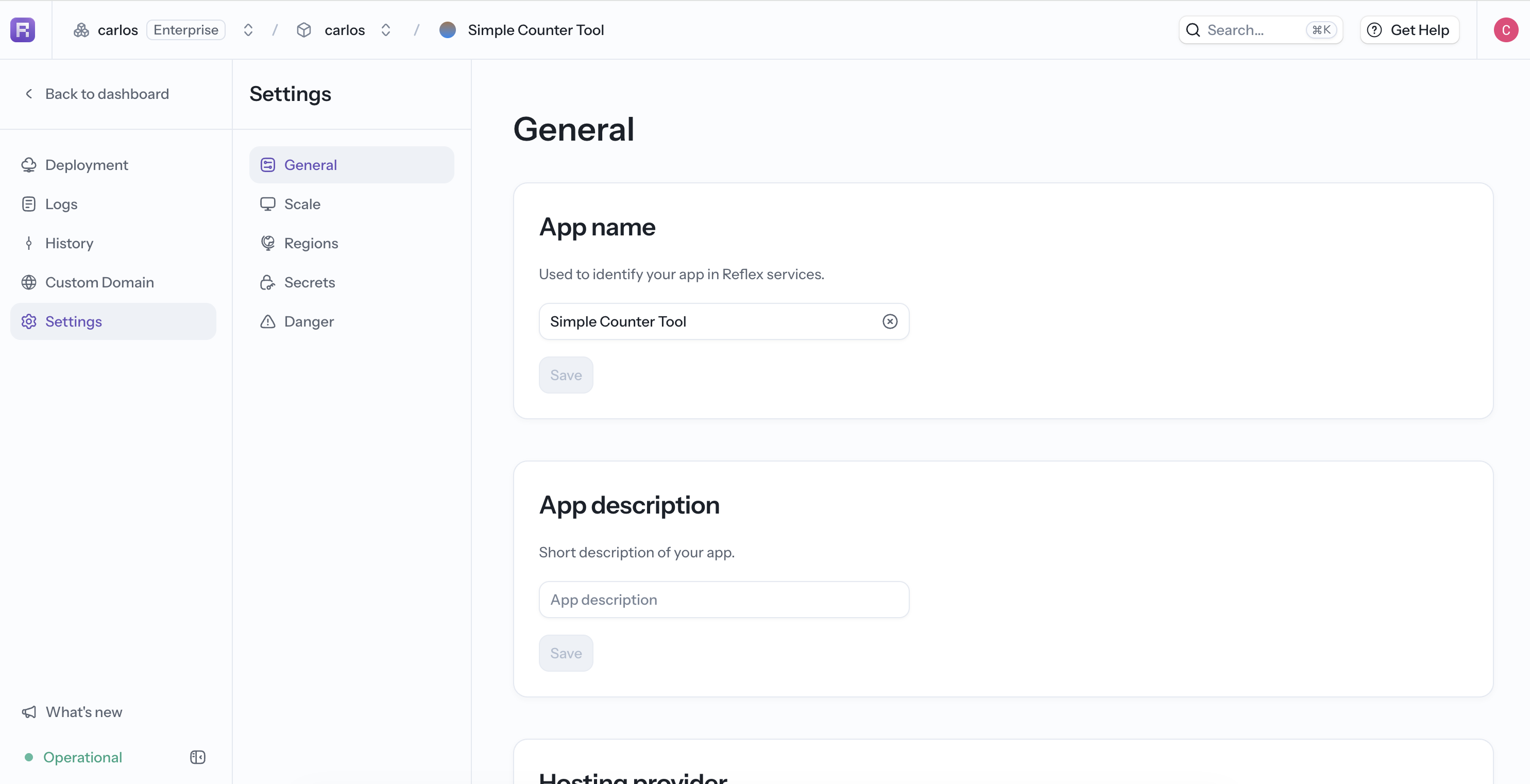
Switching the hosting provider stops the app on its current provider. Redeploy it after the switch to bring it up on the new provider.
Delete an app from Settings > Danger, or from the CLI:
reflex cloud apps delete <APP_ID>Deletion is permanent. Confirm the app ID before running the command.