How to Build a Python Web App With HubSpot in 2026
Learn to build Python web apps with HubSpot using Reflex and the HubSpot SDK. Create custom CRM dashboards without JavaScript in April 2026.
 Tom Gotsman
TLDR:
- Build HubSpot web apps in pure Python without JavaScript using Reflex and the HubSpot SDK
- Create searchable contact dashboards with inline editing in under 30 minutes
- Deploy with VPC support for enterprise compliance in finance and healthcare
- Reflex handles real-time state management between HubSpot APIs and your UI automatically
Why Python Developers Are Building Web Apps With HubSpot in 2026
HubSpot holds a goldmine of customer data. Contacts, deals, pipeline stages, activity logs. It's all there. But getting that data into a custom interface that your team actually wants to use? That's where things get frustrating fast.
The typical workaround is a Python script. Pull from the HubSpot API, dump results into a spreadsheet, repeat. It works, barely, until someone needs a filter or a button or anything that resembles a real app. At that point, you're staring down a React project you didn't sign up for, or comparing Python web frameworks that can handle both frontend and backend.
HubSpot API integrations help create a complete view of the customer lifecycle, eliminating duplicate data entry and keeping records consistent across systems, but only if the interface connecting your team to that data is worth using.
That's the gap Reflex fills. With Reflex, Python developers can build full-stack web apps without touching JavaScript. Your HubSpot integration lives in the same Python codebase as your UI, your state management, and your business logic. No frontend bottleneck. No context-switching between languages.
In 2026, more Python teams are treating HubSpot as a live data source instead of a standalone tool. Whether you're building a custom CRM dashboard, a lead-routing app, or an internal sales tool, Reflex gives you a clear path from API to app without leaving Python.
What You'll Build: A Python Web App Powered by HubSpot
The app you're building is a contact management dashboard that pulls HubSpot contact records into a searchable, filterable table your team can actually interact with.
Here's what the finished app includes:
- A searchable data table displaying HubSpot contacts with name, email, company, and lifecycle stage
- Filter controls to segment contacts by deal stage, owner, or custom properties
- An inline edit panel for updating contact properties without leaving the app
- Associated company information surfaced alongside each contact record
The HubSpot Python SDK handles the data layer. It gives you methods to create, retrieve, and update HubSpot objects, including contacts, deals, companies, and custom objects, all from Python. No third-party middleware, no manual HTTP wiring.
Reflex handles everything else. State management, real-time UI updates, the data table display. It all lives in one Python file. When a user edits a contact field, the event handler fires, calls the SDK, and updates the UI. No JavaScript involved at any step.
This is one of the most common patterns Python teams reach for when HubSpot's default interface no longer meets their needs. You can get started at build.reflex.dev and build from scratch.
Connecting HubSpot to Your Reflex App
Before any UI gets built, you need a live connection between your Reflex app and HubSpot's API.
Installing the HubSpot Python SDK
The official HubSpot Python SDK installs via pip like any other package. Once it's in your environment, it imports directly into your Reflex state class with no separate backend service required.
Before you can make API calls, you'll need to choose between OAuth and Private App tokens for authentication, with Private App tokens being the simpler choice for internal tools.
For credentials, HubSpot retired API keys in 2022, so every integration now uses either OAuth or a Private App Token. Private App Tokens are the simpler path for internal tools. Store your token as an environment variable, then reference it from your Reflex state. Reflex supports project-level integration configuration, so you set the credential once and every app in the project inherits it automatically.
Calling HubSpot APIs from Reflex State
The HubSpot client initializes inside your Reflex state class, which means API calls live right alongside your app logic. When a user triggers an action such as searching contacts, editing a field, or filtering by deal stage, a Reflex event handler fires, calls the SDK, and writes the response into a state variable.
From there, Reflex's reactive system does the rest. Updated state variables automatically re-render the affected UI components. No manual refresh logic, no polling loop. The connection between your HubSpot data and your interface is direct.
Building the UI Around HubSpot in Pure Python
With your HubSpot connection in place, the UI layer is where Reflex earns its keep. Every component, every event handler, every state update is written in Python.
Displaying Contact Data in Components
Reflex's built-in component library covers the data table display you'd expect from a CRM-style dashboard. Contact records pulled from HubSpot live in a state variable, essentially a Python list of dictionaries that your table component reads directly from. Your table component reads directly from that variable, so any change to state automatically reflects in the UI.
Filtering by deal stage or owner triggers an event handler that calls the HubSpot SDK with updated query parameters, writes the response back to state, and lets Reflex re-render the affected rows. Associated company information can sit alongside each contact in the same table row, since the SDK lets you retrieve associated objects in a single API call.
Here's a breakdown of the HubSpot CRM objects you'll work with and what each one covers:
| HubSpot Object | Common Properties | Typical Use Case |
|---|---|---|
| Contacts | email, firstname, lastname, phone | Customer relationship tracking |
| Companies | name, domain, industry | Account management |
| Deals | dealname, amount, dealstage | Sales pipeline tracking |
| Tickets | subject, status, priority | Support case management |
Handling Real-Time Updates
When a HubSpot API response arrives, Reflex's reactive state system propagates the change to every component watching that variable. No JavaScript event listeners. No manual DOM updates. The state management layer handles the entire data flow between your backend SDK calls and the frontend React components that Reflex compiles under the hood.
Inline edits work the same way. A user changes a contact's lifecycle stage, the event handler updates HubSpot via the SDK, and the state variable refreshes. If you need to persist records locally between sessions, Reflex's built-in database layer connects with a single line of Python.
Deploying Your HubSpot App to Production
Once your app is ready, deploying takes a single command. Follow the deploy quick start to go live fast.
Store your HubSpot Private App Token as an environment secret so it never appears in your codebase. Multi-region deployment keeps latency low for teams pulling CRM data across different geographies.
For industries with strict compliance requirements where customer data must stay within controlled infrastructure, Reflex supports VPC and on-premises hosting. Pair that with auth controls and RBAC, and your HubSpot integration meets enterprise compliance standards out of the box.
FAQ
Can I build a HubSpot web app without JavaScript?
Yes. Reflex lets you build full HubSpot integrations entirely in Python, handling both the API connection and the user interface without writing any JavaScript. The HubSpot Python SDK integrates directly into your Reflex state class, so API calls and UI logic live in the same codebase.
HubSpot integration with Reflex vs Streamlit?
Reflex handles event-based interactions and real-time state updates that HubSpot integrations need, while Streamlit's script rerun model causes performance issues with live CRM data. Reflex gives you inline editing, filtered tables, and associated object displays without the memory leaks and inefficiencies that come with Streamlit's linear execution pattern.
How do I connect my Reflex app to HubSpot's API?
Install the HubSpot Python SDK via pip, then initialize the client inside your Reflex state class using a Private App Token stored as an environment variable. Reflex supports project-level integration configuration, so you set credentials once and all apps in the project inherit them automatically.
What's the fastest way to deploy a HubSpot app in 2026?
Build your app with Reflex and deploy with a single command. Store your HubSpot token as an environment secret, and the app goes live with multi-region support, auth controls, and RBAC built in.
When should I build a custom HubSpot interface instead of using HubSpot's UI?
If your team needs filtered views, custom workflows, or data combinations that HubSpot's interface doesn't support out of the box. Internal sales tools, lead-routing apps, and CRM dashboards that pull in external data sources are common use cases where a custom Python app saves hours of manual work each week.
More Posts
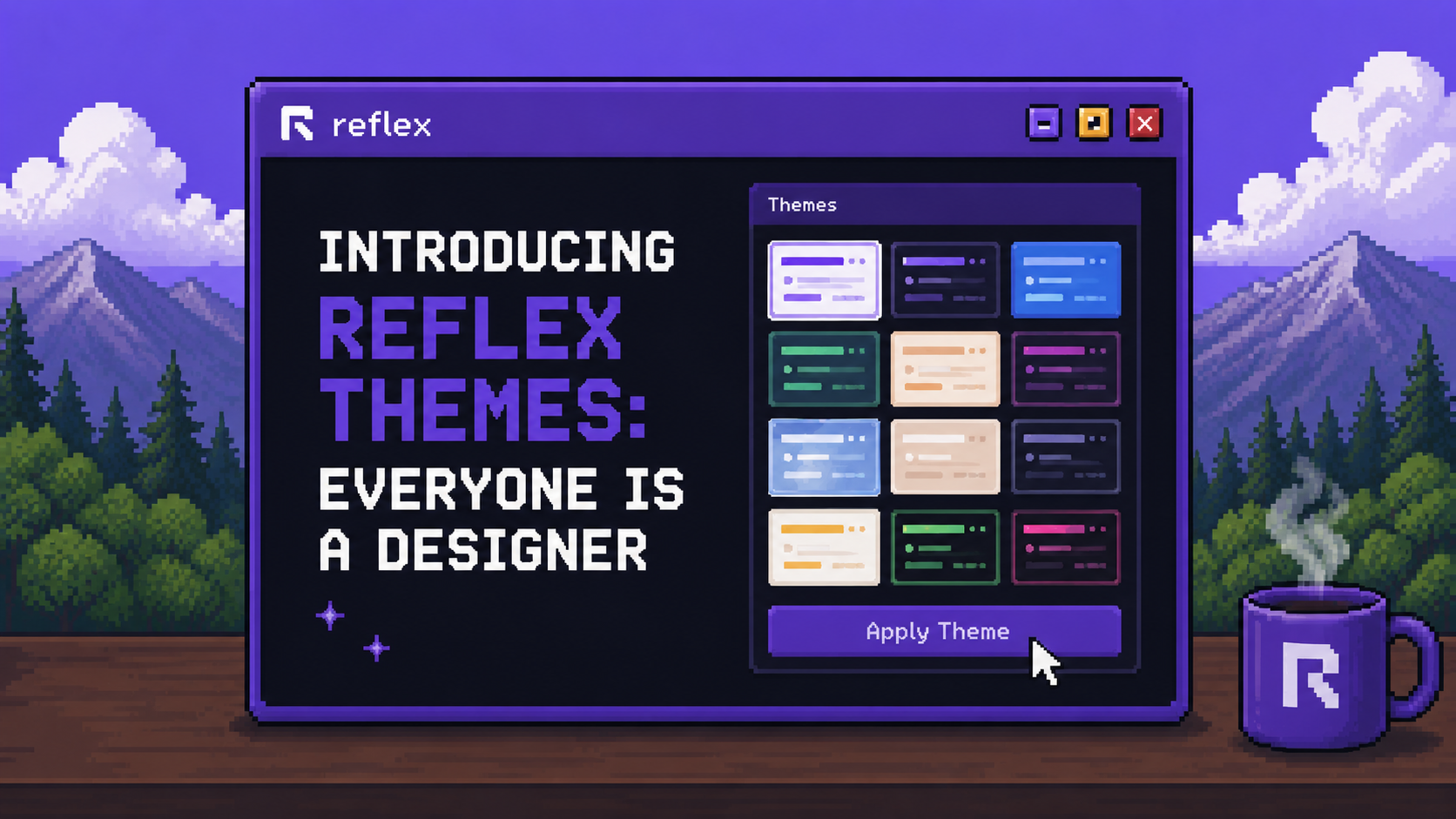
Reflex Themes is a new panel in Reflex Build for restyling your whole app — pick from eleven presets or set your own colors, fonts, and spacing.

What vibe coding is, how it works, and whether it's right for you. A developer guide covering tools, risks, and alternatives in 2026.
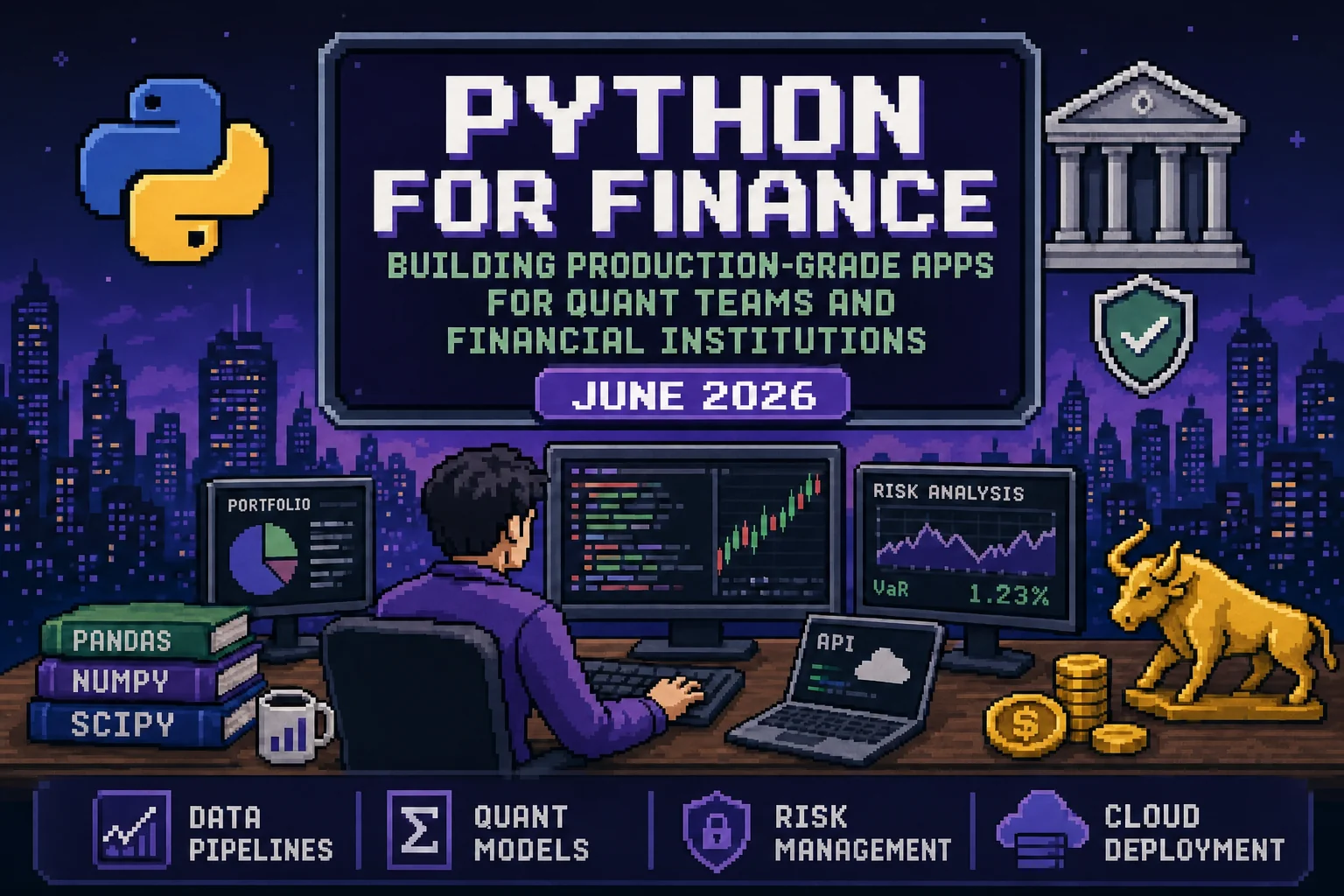
Build production-grade Python finance apps for quant teams and financial institutions. Learn deployment, authentication, and risk modeling in June 2026.