


Tokens
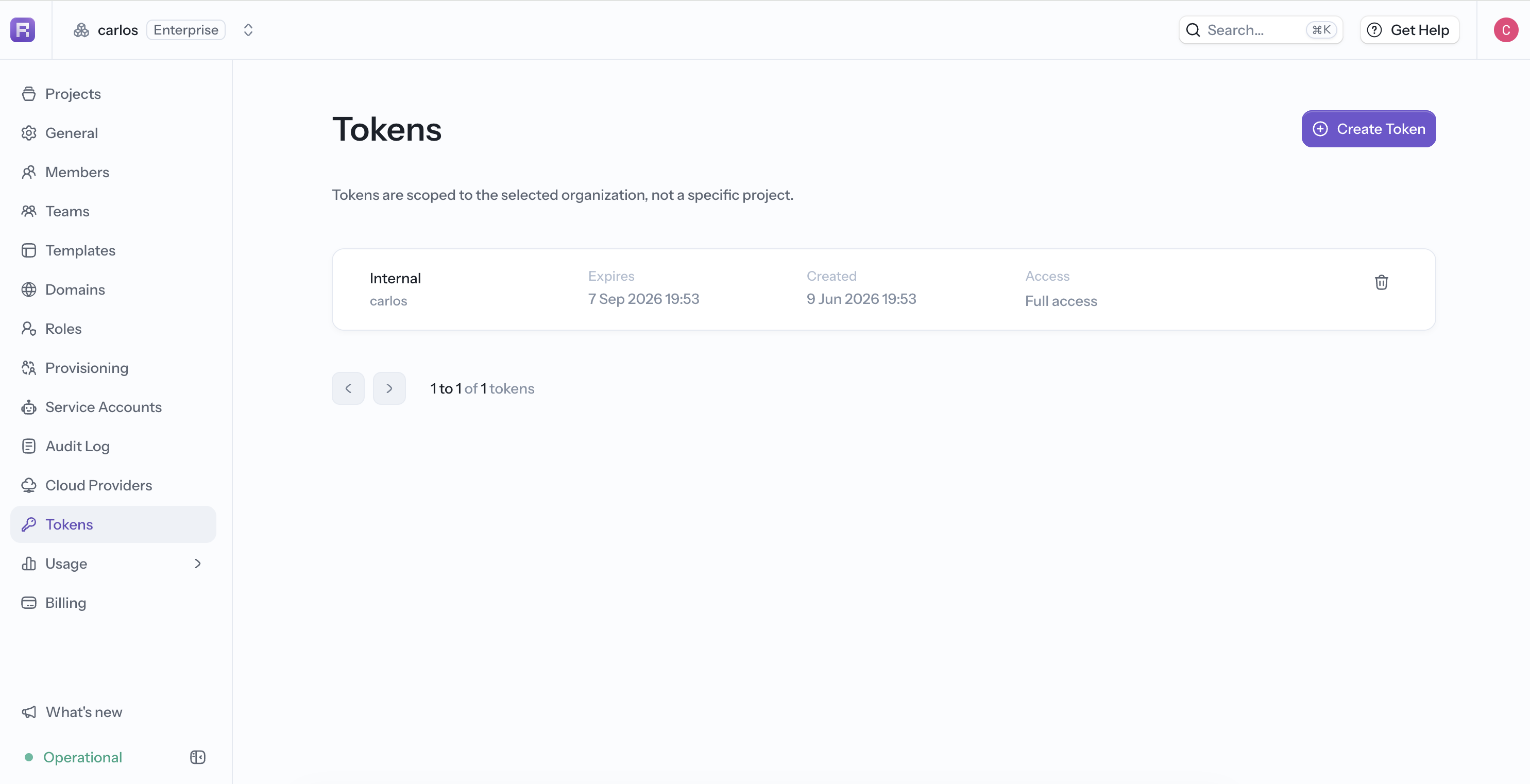
A Reflex token authenticates CLI and API requests. Tokens created from the Builder are scoped to the selected organization, and their project scope and resource permissions limit what they can access.
The token is still owned by the person who creates it. For long-running automation that should not depend on a person's membership, use an organization-owned service account.
Create a token
- Open the organization workspace.
- Select Tokens in the organization sidebar.
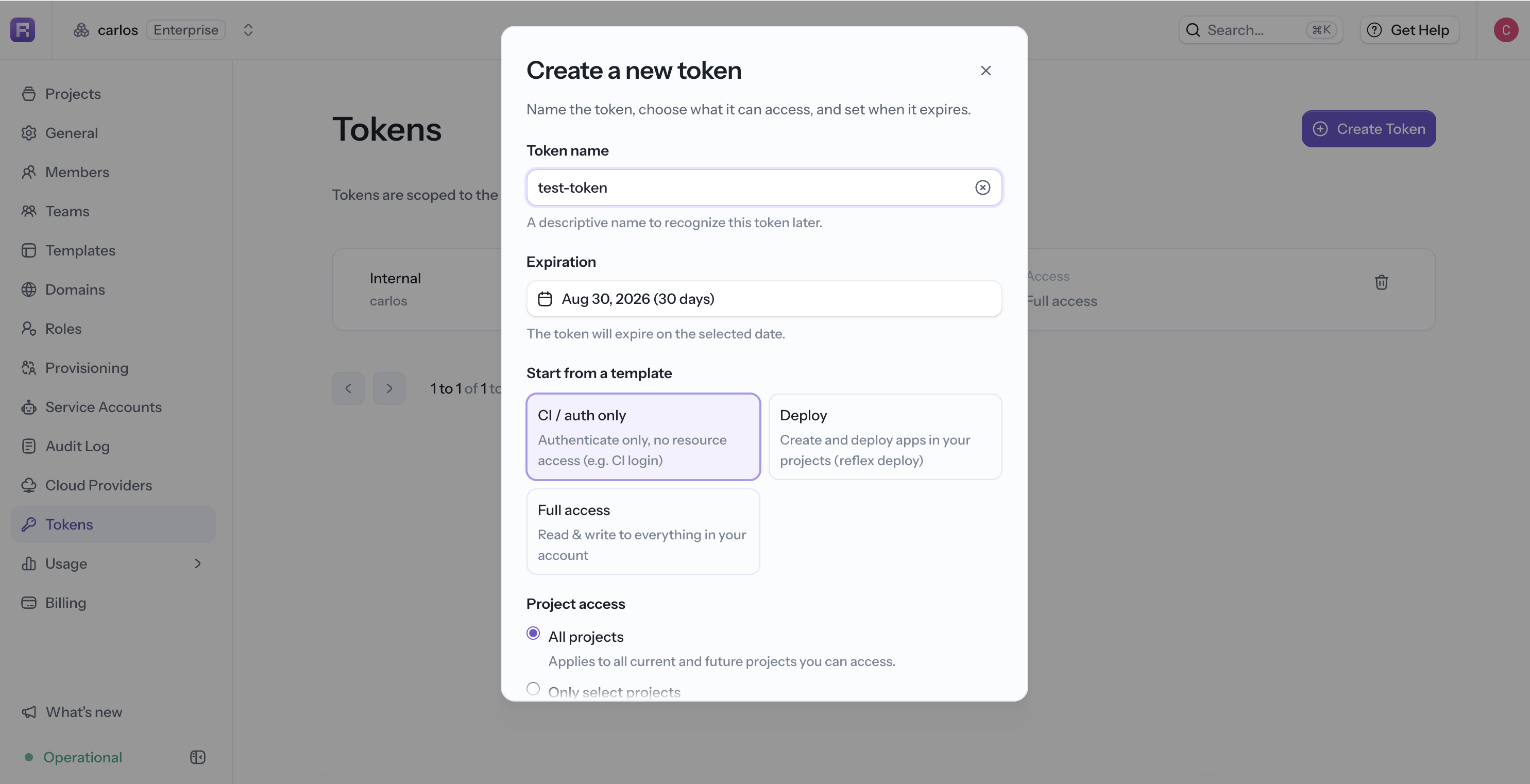
- Select Create Token.
- Enter a recognizable name and choose an expiration date.
- Choose a template, project scope, and resource permissions.
- Create the token and copy it when it is shown.
- Store it in a password manager or secret store.
Start from a template
Templates provide a safe starting point that you can adjust:
Review the resulting permissions before creating the token instead of assuming a template fits every workflow.
Limit project access
Choose which projects the project-scoped permissions cover:
- All projects applies to every current and future project the token owner can access.
- Only select projects limits access to the projects you choose.
The project selection applies to Projects, Apps, and Threads. Organization permission is organization-wide.
Set resource permissions
Each resource group supports No access, Read-only, or Read & write:
Use a token with commands that support --token, or set the recognized REFLEX_ACCESS_TOKEN environment variable.
export REFLEX_ACCESS_TOKEN="<token>"
reflex cloud scan --no-interactive
Security
- Create each token for one purpose and grant only the required resources and projects.
- Prefer an expiration date that matches the workflow's lifetime.
- Store automation tokens in the platform's secret manager.
- Never commit a token or include it in a prompt, screenshot, or log.
- Revoke a token when it is no longer needed or may have been exposed.
Because a token is owned by its creator, it may stop being suitable when that person changes roles or leaves the organization. Use a service account for organization-owned automation.